Services
SEO
Ads
Web Development
AEO
Email Marketing
Our Work
Case Studies
20North Reviews
Meet the Team
Careers
Get in touch
Call Now
Get in touch
Call now
How to Give 20North Access to Your Microsoft Ads Account
1. Sign into your
Microsoft Advertising
account.
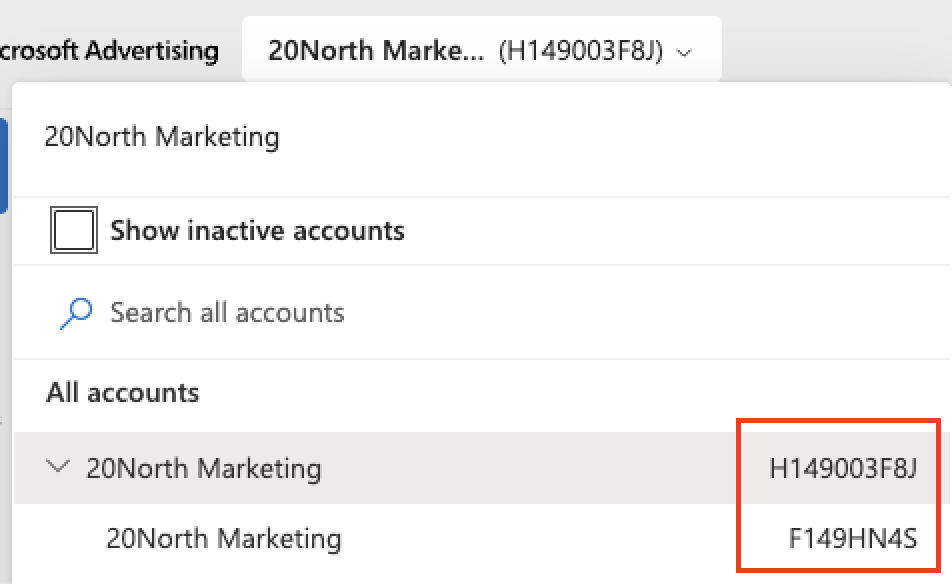
2. Locate your Microsoft Ads account number and manager account number and share with us so that we can request access to manage your account.
3. After we’ve sent you a request, sign back into
Microsoft Advertising
.
4. Go to Tools → All accounts → Accounts Summary → Requests
5. View your received requests and accept the request from 20North Marketing to manage your account.