
At a Glance: A bigcommerce to shopify migration moves your products, customers, orders, and content from your BigCommerce store to a new Shopify store. The goal is to switch platforms without losing sales momentum or search visibility. The best migrations start with planning, clean data transfer, and SEO steps like preserving URLs where possible, mapping metadata, and launching with a complete 301 redirect plan. You can migrate on your own, but a migration agency often reduces errors, protects rankings, and gets you live with fewer surprises.
Moving your online store from BigCommerce to Shopify is a big decision, but it’s a common one for growing ecommerce brands. Shopify’s ecosystem, theme options, and Shopify App Store make it appealing when you want more flexibility in marketing, merchandising, and operations. The risk is that a migration can break pages, drop rankings, or create checkout issues if it’s rushed. This step-by-step guide walks through the migration process with an SEO-first approach, then explains why many store owners choose to work with a team that handles migrations daily.
Why Ecommerce Businesses Move from BigCommerce to Shopify
Most ecommerce platform decisions come down to control, cost, and how hard it is to maintain your store over time. Shopify is often the right fit when brands want to expand functionality without custom development for every change.
Common reasons ecommerce brands switch include:
- Theme and design flexibility: Shopify themes and the theme ecosystem make it easier to refresh your storefront and improve user experience without rebuilding from scratch.
- App ecosystem: The Shopify App Store gives you a wide range of options for email marketing, reviews, subscriptions, upsells, analytics, and shipping tools.
- Payments and checkout options: Many merchants like having Shopify Payments available, plus the ability to add other payment gateway options if needed.
- Built-in features for day-to-day management: Shopify is known for a user-friendly interface that makes product updates and merchandising faster for many teams.
- Growth readiness: Shopify works well for smaller stores and can scale with more advanced features as you grow.
Pre-Migration Planning
The best way to avoid data loss, broken pages, and SEO drops is to treat migration as a project, not a quick platform swap.
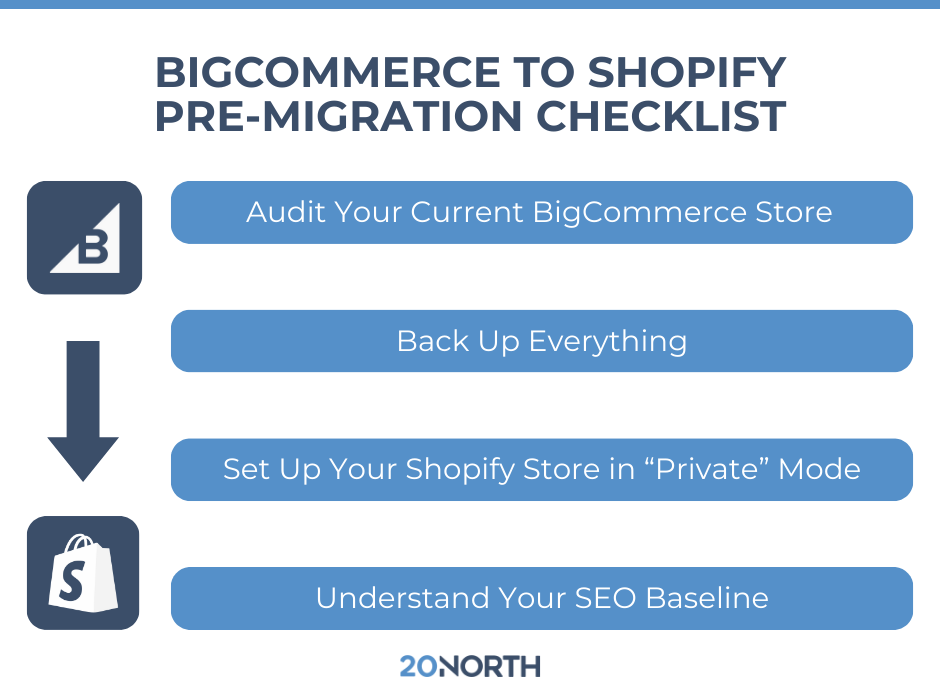
Audit your current BigCommerce store
Before you export anything, document what exists today:
- Product count, variants, and SKUs
- Collections or categories and how they’re structured
- Customer accounts and customer data fields
- Order history and how far back you need it
- Your current blog posts and content pages
- Any third-party app integrations (email marketing, reviews, shipping, tax, subscriptions)
- Your URL patterns for products, categories, and blog content
- Custom features you rely on (filters, bundles, product options, custom scripts)
Back up everything
Even if you’re using a migration tool, keep your own backups.
- Products and product data exports
- Customer data export
- Order export
- Storefront theme files or design references
- Media files (product images, collection images, blog images)
Set up your Shopify store in “private” mode
Create your Shopify account and keep the new Shopify store password-protected while you build.
While you’re setting up, decide:
- Which Shopify plan you need
- The theme you’ll launch with (and what you’ll customize)
- Which apps replace your current BigCommerce apps
- Who owns what access, including staff accounts and permissions
SEO Baseline: Capture Your Starting Point
If organic search is a meaningful source of revenue, you want a before-and-after comparison that’s clear.
Record:
- Top pages by organic traffic (products, collections, blog posts, guides)
- Current keyword rankings for your priority terms
- Current URL structure for key pages
- Meta title and meta description for top pages
- Internal linking patterns (especially from blogs to products)
- Backlinks pointing to top URLs
This becomes your checklist for what must survive the migration.
Step-by-Step BigCommerce to Shopify Migration Process
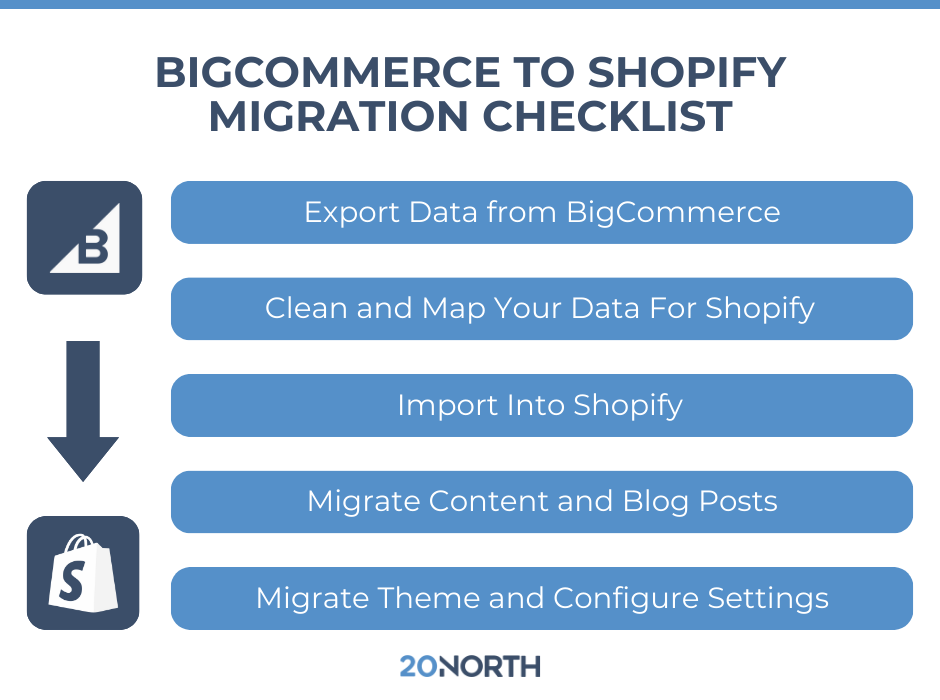
Step 1: Export data from BigCommerce
BigCommerce provides export options that typically output a CSV file. Your goal is to pull clean, complete data.
Export at minimum:
- Product data: titles, descriptions, SKUs, variants, pricing, inventory, image URLs
- Customer data: names, emails, shipping addresses, tags/segments
- Order data: order history and order details (if you plan to bring it over)
- Blog posts and content pages: you may need to export content separately depending on how your store is set up
Note on customer passwords: customer passwords usually cannot transfer between platforms in a usable way. Plan for a customer account reset flow after launch.
Step 2: Clean and map your data for Shopify
Shopify’s data structure is different. Some fields map cleanly. Some require adjustment.
Typical cleanup tasks:
- Map BigCommerce product options to Shopify variants
- Standardize SKUs and variant naming
- Clean HTML formatting in product descriptions
- Validate image URLs and confirm they’ll import properly
- Decide how categories translate to Shopify collections
- Confirm tags, product types, and vendors are consistent
If you don’t do this step carefully, you can end up with messy navigation, duplicate variants, missing images, or product pages that don’t match how people shop.
Step 3: Import into Shopify
You have a few common routes depending on store size and complexity.
Manual import (CSV)
Often best for smaller stores or simple catalogs.
Migration app or third-party app
Useful when you need more control over data transfer or want to move multiple datasets more reliably.
API-based migration
Often used for complex catalogs, custom rules, or stores that need a tightly controlled migration process.
No matter the method, validate your import:
- Spot-check product data against BigCommerce
- Verify variants, pricing, and inventory
- Confirm images are attached correctly
- Confirm customer accounts imported as expected
- Confirm data integrity across your catalog
Step 4: Migrate content and blog posts
If your blog posts drive traffic, treat them like core assets.
Your checklist:
- Recreate blog structure in Shopify
- Move blog posts with titles, content, and featured images
- Keep URL slugs consistent where possible
- Update internal links (especially links to products and collections)
- Confirm old BigCommerce blog URLs have redirect targets
Step 5: Theme migration and storefront build
This is where user experience can win or lose sales.
- Choose your Shopify theme
- Build navigation and menus
- Create collections and merchandising rules
- Configure product templates and collection templates
- Set up search, filters, and on-site UX patterns that match how customers browse
- Test mobile layouts and page speed
Step 6: Configure Shopify settings
Before launch, dial in your store settings:
- Payments: Shopify Payments or another payment gateway
- Taxes: settings by region
- Shipping: shipping zones and rates
- Customer accounts: how you want accounts to work on the new Shopify store
- Email marketing: connect Klaviyo or your email marketing platform
- Analytics: GA4, Shopify reports, conversion tracking, ad platform pixels
Preserving SEO During a BigCommerce to Shopify Migration
The SEO work is what protects your existing traffic and revenue from search engines. This is also where small mistakes can cause big drops.
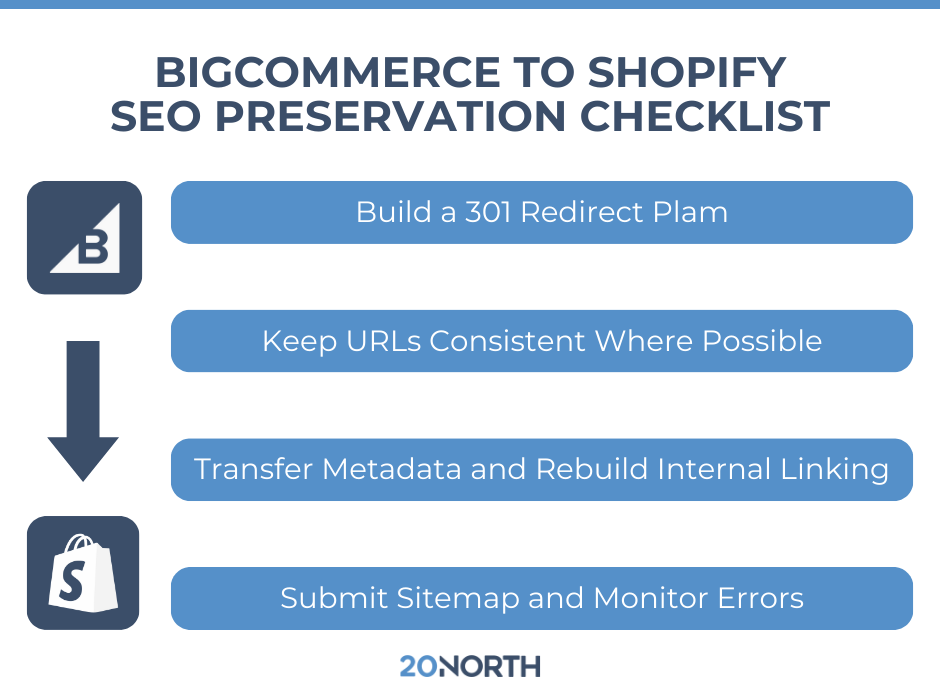
Build a 301 redirect plan (before you launch)
301 redirects tell search engines where your pages moved. This is the backbone of SEO protection.
Redirect everything that matters:
- Product pages
- Collection/category pages
- Blog posts
- Resource pages and guides
- Any URL with backlinks or steady traffic
A good redirect plan is not “best effort.” It’s a full mapping from old URLs to new URLs.
Keep URLs consistent where possible
If you can match slugs closely, you reduce risk. When you can’t, redirects become even more important.
Transfer metadata
Carry over:
- Meta title
- Meta description
- Heading structure (H1, H2s) for core pages
- Alt text for important images, when practical
Metadata impacts click-through rates in search results and helps maintain relevance for existing pages.
Rebuild internal linking
Internal links often break during migration, especially in blog posts.
- Update links inside content
- Confirm navigation links point to the right collections
- Keep “related products” and “featured collection” links consistent
Submit your sitemap and monitor errors
After launch:
- Submit the new sitemap in Google Search Console
- Watch crawl errors and redirect issues
- Fix 404s immediately
- Track top pages and rankings during the first few weeks
Some movement is normal. Large drops that stick around usually point to redirect gaps, missing pages, or indexing issues.
DIY vs. Hiring a Migration Agency
You can do a manual migration. Many merchants try it. The problem is that ecommerce migrations are rarely “just moving data.”
Here’s what an agency typically solves faster and with fewer mistakes:
Technical expertise across both platforms
BigCommerce migration and Shopify migration require understanding platform differences. When edge cases appear, like variant logic, custom fields, app dependencies, or complex collection rules, experience matters.
Better protection for SEO and search visibility
A migration can quietly break things that search engines care about: redirect chains, canonical tags, duplicate pages, missing metadata, or broken internal links. An agency treats SEO like part of the build, not a post-launch cleanup.
Less downtime and fewer checkout surprises
A smooth transition protects sales. That includes testing checkout flows, payment gateway settings, shipping rules, tax logic, and tracking.
Cleaner data integrity
Product data and customer data are business assets. Import errors can create months of cleanup, especially if product options or collections come over in a messy way.
Faster time to launch
DIY migrations tend to take longer than expected because every issue has to be researched, tested, and fixed while you’re also running the business.
Post-Launch Checklist
Once your new Shopify store is live, shift to validation mode.
- Crawl the site to find 404s and redirect problems
- Verify analytics tracking and conversion events
- Spot-check top organic landing pages
- Check index coverage in Google Search Console
- Confirm collection pages, filters, and search work properly
- Watch performance on top products and top categories
- Monitor rankings and organic traffic weekly for the first 4 to 6 weeks

Ready for a BigCommerce to Shopify Migration That Protects Your SEO?
A bigcommerce to shopify migration can set your store up for stronger merchandising, better workflows, and more flexibility in marketing. It can also create avoidable SEO and revenue losses if the migration process is rushed or treated like a simple data transfer.
If you want a Shopify store built on a solid foundation with SEO baked into the launch plan, 20North Digital Marketing can help. Our team supports ecommerce brands through Shopify migration projects with a focus on keeping search engine performance stable, protecting customer data, and getting you live with confidence. If you’re planning a move from BigCommerce to Shopify, reach out to 20North to talk through your store, your goals, and the best path forward.
.png)
.png)
.png)