

Guide to a Shopify Plus Migration
At a Glance
A Shopify Plus migration involves transferring your online store, product data, customer records, and order history from your current platform (or standard Shopify) to Shopify's enterprise-level solution. When executed properly, the migration process protects your SEO ranking, maintains data integrity, and positions high-volume businesses for scalable growth. When done poorly, you risk broken URLs, lost customer data, and months of traffic declines.
What a Shopify Plus Migration Really Involves
Moving to Shopify Plus represents more than a simple e-commerce platform change. For enterprise brands and high-volume businesses processing millions in annual revenue, it's a strategic decision that affects everything from checkout customization to daily business operations. The advanced features that make Shopify Plus attractive to growing brands, including unlimited staff accounts, dedicated support, and scalable infrastructure, can only deliver value if the Shopify migration itself doesn't undermine your existing business.
The challenge is that most agencies focus exclusively on the technical move while overlooking the elements that actually drive revenue: search engine visibility, user experience, and seamless customer data transfer. A smooth transition requires careful attention to both the new features you're gaining and the assets you're protecting. This guide walks through what a successful transition actually looks like, where things typically go wrong (whether you're migrating from standard Shopify, Adobe Commerce, or another platform), and how to approach the process in a way that protects both your current performance and future growth potential.
Why Brands Move to Shopify Plus
Understanding why businesses migrate helps clarify what success looks like. Companies typically move to Shopify Plus for several reasons:
- Outgrowing standard Shopify limits on checkout customization, API calls, or staff accounts
- Needing enterprise-level support with dedicated account management and priority access
- Requiring advanced automation through Shopify Flow and custom scripts
- Seeking better B2B functionality with wholesale channels and custom pricing
- Demanding higher reliability during peak traffic periods and flash sales
The platform serves enterprise brands handling complex catalogs and high order volumes. However, the benefits only materialize after a successful migration that preserves your existing assets and customer relationships.

The Step-by-Step Migration Process
A Shopify Plus migration typically unfolds across several phases, each with specific requirements and potential failure points.
Discovery and Planning
Before touching any data, you need a thorough audit of your current platform:
- Document your existing URL structure
- Map product categories and collections
- Inventory third-party integrations
- Identify custom functionality that needs rebuilding
This phase should also include stakeholder alignment on timeline expectations and success metrics. Define what a successful migration looks like beyond just "the site is live," and consider metrics like maintaining organic traffic levels and preserving conversion rates.
Data Migration
The core of any platform move involves transferring your product catalog, customer data, and order history to the new environment. This step requires attention to:
- Field mapping between old and new platforms
- Data formatting and validation
- Payment gateway configuration and testing
- Customer account and password handling
Payment gateway configurations must be tested extensively, as checkout disruptions directly impact revenue.
Theme Development and Customization
Shopify Plus offers greater flexibility in theme customization than standard Shopify. However, this flexibility means more decisions about checkout modifications, landing page templates, and mobile optimization. The goal is a user experience that matches or exceeds your current store while taking advantage of Shopify Plus capabilities.
URL Structure and Redirect Implementation
This is where most migrations fail from an SEO perspective. Every URL from your existing store needs to map to a corresponding page on the new platform. When URLs change without proper redirects, you lose the search authority those pages have built over time. A single missing redirect on a high-traffic collection page can erase months of SEO progress.
Testing and Launch
Before going live, test every customer journey:
- Browse and search functionality
- Add-to-cart and checkout flows
- Account creation and login
- Order tracking and history
- Google Analytics and tracking verification
Load testing deserves special attention for high-volume businesses, as your specific theme, apps, and customizations need to perform under realistic traffic conditions.
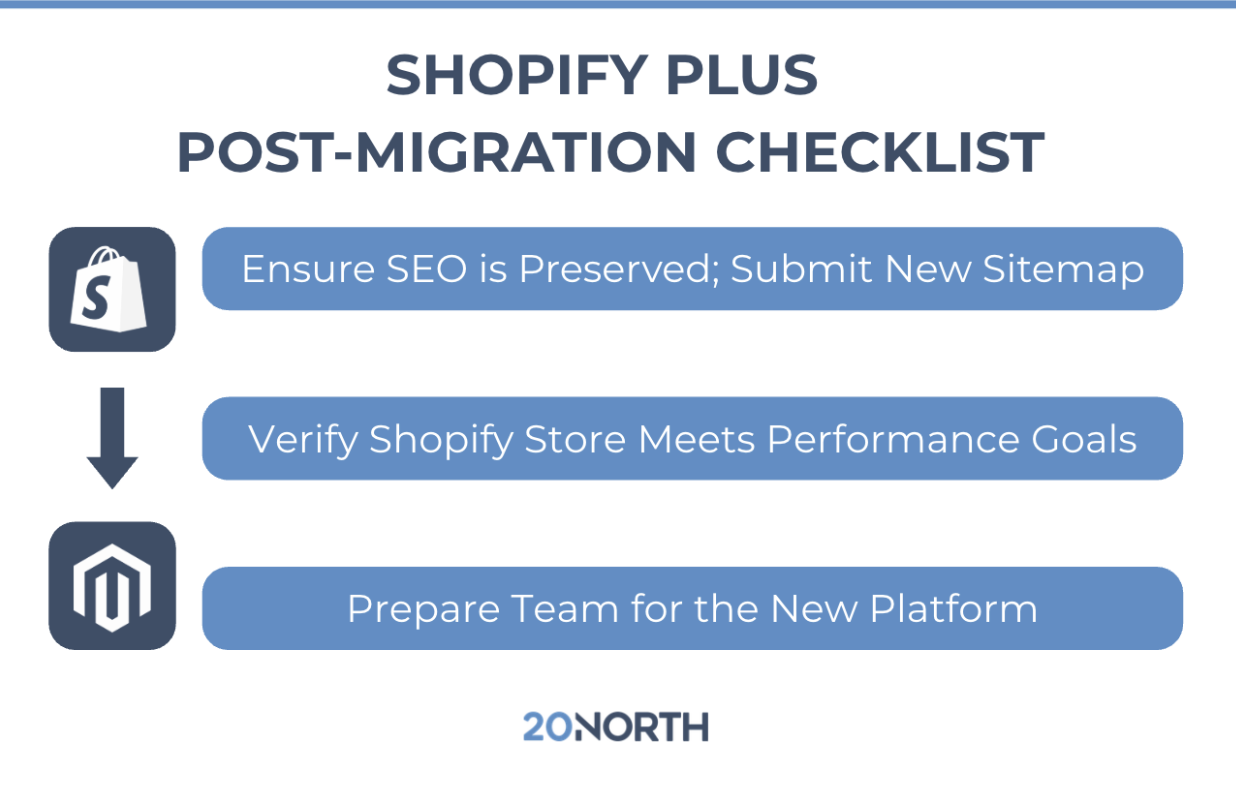
The go-live phase requires careful coordination, typically during low-traffic periods, with post-launch monitoring to track site performance and crawl behavior. Monitor search console data daily during the first few weeks, watching for crawl errors, indexing issues, or unexpected traffic drops.
Common Migration Mistakes That Hurt SEO Rankings
Organic search traffic often represents a substantial portion of ecommerce revenue. A migration that damages SEO ranking can take six to twelve months to recover, with corresponding revenue losses throughout that period.
Incomplete Redirect Mapping
The most frequent and damaging mistake is failing to create redirects for every old URL. Pages that need redirects include:
- Product pages (including discontinued items)
- Collection and category pages
- Blog posts and content pages
- Outdated promotional landing pages
- Any page with existing backlinks
A thorough redirect strategy requires mapping hundreds or thousands of URLs, testing each one, and monitoring for 404 errors after launch.
Changing URL Structures Without Purpose
Some agencies recommend "cleaning up" URLs during migration, changing structures that were working perfectly well. Unless there's a compelling reason to change URLs, keeping the existing structure eliminates redirect dependency and preserves link equity more effectively.
Neglecting Technical SEO Configurations
Several technical elements need attention during migration:
- Canonical tags for duplicate content handling
- Meta descriptions and title tags
- Structured data and schema markup
- XML sitemaps and robots.txt files
Shopify Plus handles some of these elements differently than other platforms, and configurations that worked on your previous store may not translate directly.
Ignoring Post-Launch Crawl Issues
Search engines need time to process changes after a migration. Submitting updated sitemaps, monitoring Google Search Console for crawl errors, and tracking indexed page counts helps identify problems early.
Protecting Revenue During the Transition
Beyond SEO considerations, successful migrations prioritize revenue continuity throughout the process.
Maintain Payment Processing Continuity
Payment gateway transitions require testing with real transactions before launch. Verify that the following all function correctly:
- Saved payment methods
- Subscription billing
- Regional payment options
- Multi-currency processing
Any friction in the checkout process directly reduces conversion rates.
Preserve Customer Account Data
Customers expect to log into their accounts on your new store with existing credentials. Password migration can be technically challenging depending on your source platform, but forcing password resets creates friction and potential cart abandonment.
Plan for Integration Downtime
Third-party tools for email marketing, inventory management, and fulfillment need to sync with your new store. Build buffer time for these integrations, and have manual backup processes ready if connections fail during the transition period.
Evaluating Whether Shopify Plus Is Right for Your Business
Not every growing ecommerce brand needs Shopify Plus. The platform makes sense when you're processing enough volume to benefit from enterprise features, when checkout customization is limiting your conversion potential, or when you need the operational efficiency that comes with advanced automation.
Consider these indicators that Shopify Plus might be worth exploring:
- You're hitting API limits or staff account restrictions on standard Shopify
- Checkout customization needs exceed what standard plans allow
- You need dedicated support during high-stakes sales periods
- B2B functionality requires wholesale channels or custom pricing tiers
- International expansion demands multi-currency and localization features
The migration cost, including agency fees, development time, and potential revenue disruption, needs to justify the ongoing platform investment.

Working With the Right Migration Partner
Platform migrations expose the difference between agencies that build websites and agencies that understand ecommerce growth. The technical work of moving data matters, but so does the strategic planning that protects search visibility, maintains customer experience, and positions the business for ongoing development.
What to Look For
A data-driven approach makes all the difference during a migration. The right partner:
- Analyzes trends and consumer behavior to optimize your new store from day one
- Builds sites optimized for both performance and search engines from the ground up
- Asks about your SEO strategy before touching your URL structure
- Creates monitoring dashboards before launch, not after
- Measures success by revenue over twelve months, not just a successful launch date
Ready to Evaluate Your Migration Options?
Moving to Shopify Plus is a major decision with long-term implications for your ecommerce business. The platform offers real advantages for high-volume brands, but only when the migration itself protects everything you've built. As a Shopify Plus Partner, we can help you access exclusive discounts, a dedicated Shopify rep, and priority support throughout your migration. Talk with a 20North ecommerce expert to evaluate your current Shopify setup, identify migration risks, and determine if Shopify Plus is the right move for your business. Our team combines custom web development with deep SEO expertise to help you make the transition without sacrificing the organic traffic and customer relationships you've worked hard to build.
.png)
.png)
.png)