
WordPress to Shopify Migration: A Complete Guide for Ecommerce Businesses

At a Glance: A WordPress to Shopify migration involves transferring your products, customer data, orders, and content from your WordPress website (typically running WooCommerce) to Shopify's dedicated ecommerce platform. The migration process requires careful planning to preserve your SEO rankings and maintain your online presence. While business owners can attempt this transition themselves, working with a migration service typically results in fewer technical issues, better data integrity, and a smoother transition that protects your search engine visibility.
Moving your online store from WordPress to Shopify represents a major decision for any ecommerce business. Many store owners reach this point after experiencing the limitations of managing an online business through WordPress plugins and piecemeal solutions. This guide walks you through the complete WordPress to Shopify migration process, explains how to protect your hard-earned SEO authority, and outlines why partnering with experts often delivers better results than a DIY approach.
Why Businesses Migrate from WordPress to Shopify
The decision to leave WordPress for Shopify usually comes down to operational efficiency and growth potential. While WordPress offers flexibility, that flexibility often creates complexity that holds businesses back. Common reasons store owners make the switch include:
Simplified Store Management: Running an online store on WordPress means managing the WooCommerce plugin alongside dozens of other WordPress plugins for payments, shipping, security, and functionality. Shopify consolidates these features into a single, user-friendly interface designed specifically for selling products.
Improved Security and Reliability: WordPress sites require constant security updates across the core platform, themes, and every installed plugin. A single outdated component can create vulnerabilities. Shopify handles all security and hosting infrastructure, removing this burden from store owners.
Better User Experience: Shopify themes are built specifically for ecommerce, with optimized checkout flows and mobile responsiveness. This focus on the shopping experience often translates to improved conversion rates and customer satisfaction.
Dedicated Customer Support: WordPress support is fragmented across hosting providers, theme developers, and plugin creators. Shopify provides unified 24/7 customer support for all platform-related issues.
Scalable Infrastructure: As your online business grows, WordPress sites often struggle with performance under heavy traffic. Shopify's infrastructure handles traffic spikes automatically, keeping your store's performance consistent during peak periods.
Pre-Migration Preparation: Setting the Foundation
Successful migration starts long before you transfer any data. Thorough preparation prevents costly mistakes and protects your online presence throughout the transition.
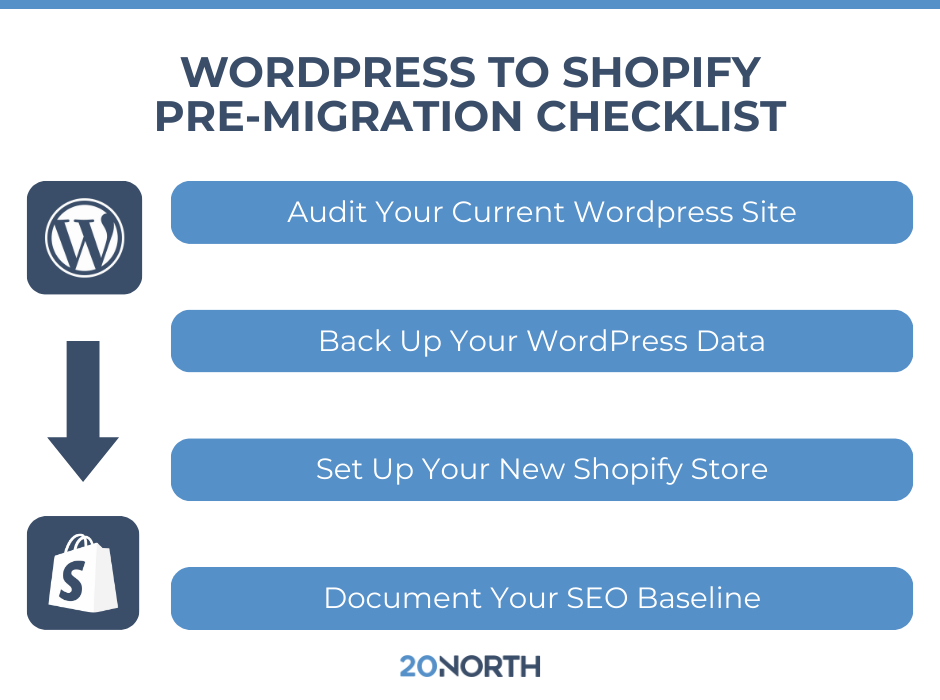
Audit Your Current WordPress Site
Document everything about your existing WooCommerce store:
- Total product count including variants
- Customer database size and data fields
- Historical order information
- Active WordPress plugins and their functions
- Custom functionality or integrations
- Current URL structure for products, categories, and pages
- Existing blog posts and content pages
Back Up Your WordPress Data
Create complete backups before beginning any migration work:
- Full database export
- All product images and media files
- Theme files and customizations
- Customer information and order history
- WordPress blog posts and page content
- Any custom code or functionality
Set Up Your New Shopify Store
Create your Shopify account and keep it password-protected during the migration process. Select a plan that accommodates your product catalog and anticipated transaction volume. Begin exploring the Shopify App Store for apps that will replace your current WordPress plugin functionality.
Document Your SEO Baseline
Before making any changes, record your current search engine performance:
- Keyword rankings for important terms
- Top-performing pages by organic traffic
- Backlink profile and referring domains
- Current URL structure and patterns
- Meta titles and descriptions for key pages
This documentation becomes your reference point for preserving SEO value throughout the migration journey.
Step-by-Step Migration Process
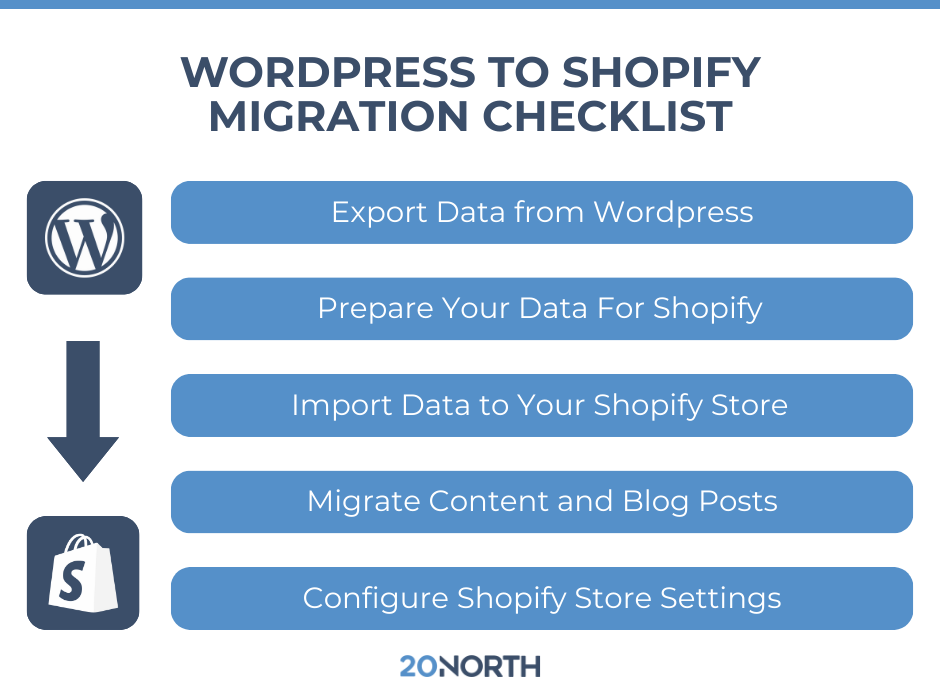
Step 1: Export Data from WordPress
Access your WordPress admin panel to begin exporting your store data. WooCommerce allows data export in CSV file format, which works well for Shopify import.
Product Export: Navigate to WooCommerce > Products and use the export function to download your complete product catalog. Include all product details such as descriptions, prices, images, variants, and inventory levels.
Customer Data Export: Export your customer database including names, email addresses, shipping addresses, and purchase history. Note that customer passwords cannot transfer between platforms, so customers will need to create new passwords.
Order History: Exporting order data from WooCommerce requires either the built-in export tool or a third-party app. Shopify does not support native order import via CSV, so complex order histories may require a migration app or professional migration service.
Step 2: Prepare Your Data for Shopify
Shopify uses different data structures than WordPress, requiring adjustments to your CSV files before import.
Product Data Preparation:
- Map WooCommerce product types to Shopify variants
- Convert image URLs to absolute paths
- Transform product categories into Shopify collections
- Clean up HTML formatting in product descriptions
- Standardize SKU formats across your catalog
Customer Data Formatting:
- Verify email addresses are valid and properly formatted
- Standardize phone number formats
- Prepare customer tags for segmentation
- Remove any incompatible data fields
Step 3: Import Data to Your Shopify Store
Shopify offers several methods for importing your WordPress data depending on catalog size and complexity.
Manual CSV Import: Best for stores with smaller catalogs:
- Navigate to Products > Import in your Shopify admin
- Upload your prepared CSV file
- Review the import preview carefully
- Confirm field mapping matches your data
- Complete the import process
Migration Apps: The Shopify App Store provides specialized tools for migration:
- Store Importer (free from Shopify)
- Matrixify for complex data operations
- Cart2Cart migration service
- LitExtension automated migration
API Migration: For large catalogs or stores with unique features, API-based migration using professional tools or custom development may be necessary.
Step 4: Migrate Your Blog Content
If you've built up valuable WordPress blog posts, migrating this content preserves your SEO investment and maintains resources for customers.
- Export blog posts from your WordPress database
- Format content for Shopify's blog structure
- Upload featured images and media separately
- Recreate internal links using new URLs
- Maintain consistent publishing dates where possible
Step 5: Configure Your Shopify Store Settings
After data migration, configure your new Shopify store:
Payment Configuration:
- Set up Shopify Payments or your preferred payment provider
- Configure payment gateways for different regions
- Establish tax settings by location
- Set up shipping zones and rates
Theme Selection and Brand Identity:
- Choose a Shopify theme that matches your brand
- Customize colors, fonts, and layouts
- Configure navigation menus and collections
- Test mobile responsiveness across devices
Third-Party App Integration:
- Email marketing platforms
- Google Analytics tracking
- Inventory management systems
- Customer service tools
Preserving Your SEO During Migration
Protecting your search engine rankings requires careful attention throughout the migration process. Organic traffic often represents a major revenue source, and losing rankings can take months to recover.
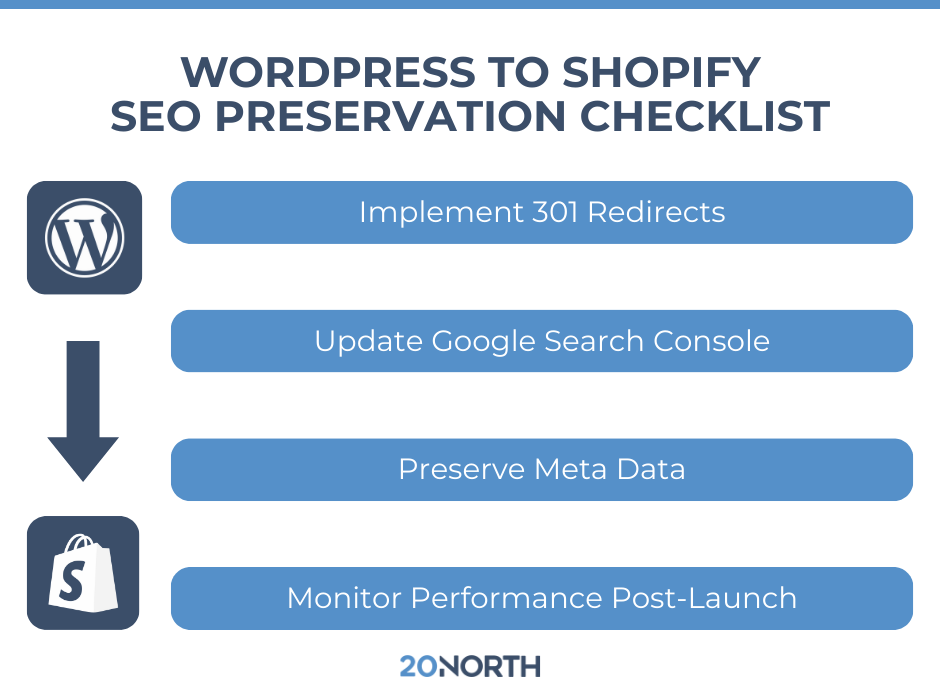
Implement 301 Redirects
Create redirects from every old WordPress URL to its corresponding new Shopify URL. This tells search engines that your content has permanently moved and transfers your SEO authority to the new pages.
Common redirect scenarios:
- Product pages to new product URLs
- Category pages to Shopify collections
- Blog post URLs to new blog URLs
- Old homepage variations to new homepage
Update Google Search Console
Submit your new sitemap to Google Search Console immediately after launch. Monitor for crawl errors and address any issues quickly. Request indexing for your most important pages to speed up the transition in search results.
Preserve Meta Data
Transfer your existing meta titles and descriptions to corresponding Shopify pages. These elements influence click-through rates from search results and help maintain your positioning for target keywords.
Monitor Performance Post-Launch
Track your keyword rankings and organic traffic closely during the weeks following migration. Some temporary fluctuation is normal, but persistent drops may indicate redirect issues or other technical problems requiring attention.
Why Hiring a Migration Agency Beats DIY
While this guide provides a roadmap for WordPress to Shopify migration, the reality is that most business owners underestimate the complexity involved. Here's why working with professionals typically delivers better outcomes.
Technical Expertise: Migration specialists understand the nuances of both platforms and can anticipate problems before they occur. They know how to handle edge cases, custom functionality, and data structures that trip up inexperienced migrators.
SEO Protection: Agencies specializing in ecommerce migration understand how to preserve your search engine authority. A single redirect mistake can cost months of rankings recovery. Professionals implement redirect strategies that protect your organic traffic investment.
Time Savings: DIY migration often takes three to four times longer than anticipated. Every hour you spend troubleshooting technical issues is an hour away from running your business. Professional migration services complete the work faster and more reliably.
Data Integrity: Customer data, order history, and product information represent years of business value. Migration experts use proven processes and validation steps to prevent data loss that could damage customer relationships.
Reduced Downtime: Professional migration services minimize the gap between your old store going offline and your new store going live. This seamless transition protects revenue and customer experience.
Post-Migration Support: When issues arise after launch, having expert support available makes a measurable difference. Agencies provide ongoing assistance to address problems quickly and keep your online sales flowing.

Transform Your Ecommerce Business with 20North
Ready to make your WordPress to Shopify migration smooth and successful? As a certified Shopify Plus partner, 20North Digital Marketing brings the platform expertise and technical knowledge needed to navigate complex migrations while protecting your competitive position. Our team combines deep ecommerce experience with proven migration strategies to preserve your data, maintain your SEO rankings, and set you up for growth on Shopify.
From initial migration planning through post-launch optimization, 20North provides support that goes beyond simple data transfer. We help you leverage Shopify's powerful features while implementing advanced SEO strategies, paid advertising campaigns, and email marketing automation that drive real results. Our Shopify Plus partnership means we have direct access to resources, training, and support that benefit every client we serve.
Don't let migration complexity hold your business back. Contact 20North today to discover how our WordPress to Shopify migration expertise can transform your ecommerce operations and unlock new growth opportunities.
.png)
.png)
.png)