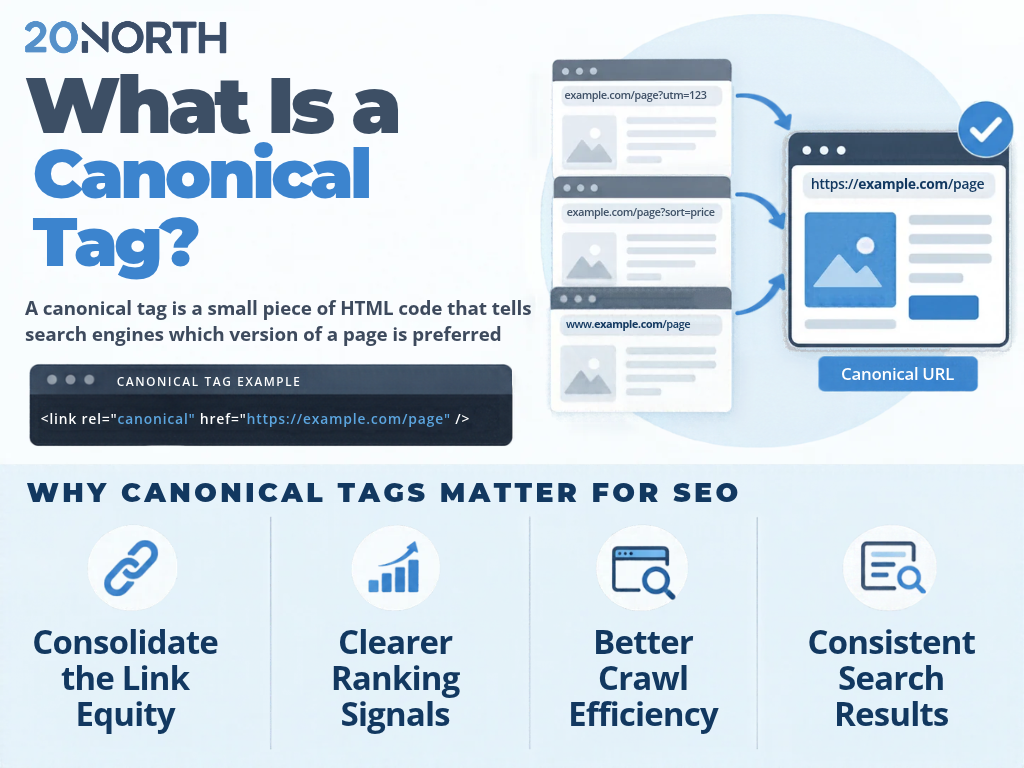
The Short Answer: A canonical tag is a small piece of HTML code that tells a search engine which version of a page is the preferred version to index and rank. When several URLs show identical content or very similar content, the canonical tag points to one canonical URL so Google knows which page to treat as the original version. This consolidates ranking signals onto a single canonical page instead of splitting them across duplicate pages.
Duplicate content issues are more common than most site owners realize. A product reachable through a filter, a tracking parameter, or both a www and non-www address can create several duplicate versions of the same page. Left unmanaged, those duplicate URLs compete with each other in a Google search and confuse search engines about which page to show. The canonical link element gives you a direct way to name the preferred canonical URL and keep your search engine rankings working for you instead of against you.
What Is a Canonical Tag?
A canonical tag, also called a canonical link element, is an HTML element placed in the head of a page that specifies the canonical version of that content. It uses the format <link rel="canonical" href="https://example.com/preferred-url" />, where the href value is the preferred canonical URL you want indexed. When Google finds the same or similar content on more than one URL, the canonical link tells it which canonical page represents the group.
This process is part of URL canonicalization, the way a search engine chooses one URL to represent duplicate or near-duplicate pages. If you do not declare a preference, Google will pick a canonical version on its own, and its choice may not match the page you want ranking. A proper canonical tag keeps that decision in your hands.
Why Canonical Tags Matter for SEO
When duplicate pages compete, the value that should build one strong page gets scattered. A canonical tag protects your search engine optimization in a few concrete ways:
Consolidated link equity: Backlinks and internal links pointing to different URLs of the same content pass their link equity to one preferred page rather than diluting it across duplicate versions.
Clearer ranking signals: Google reads one canonical URL as the authority for a topic, so your ranking signals stop competing with themselves.
Better crawl efficiency: Search engines spend less time crawling duplicate pages and more time on the content that matters.
Consistent search results: The URL you choose as the canonical is the one that will appear in the search results, which keeps your reporting and your user experience clean.
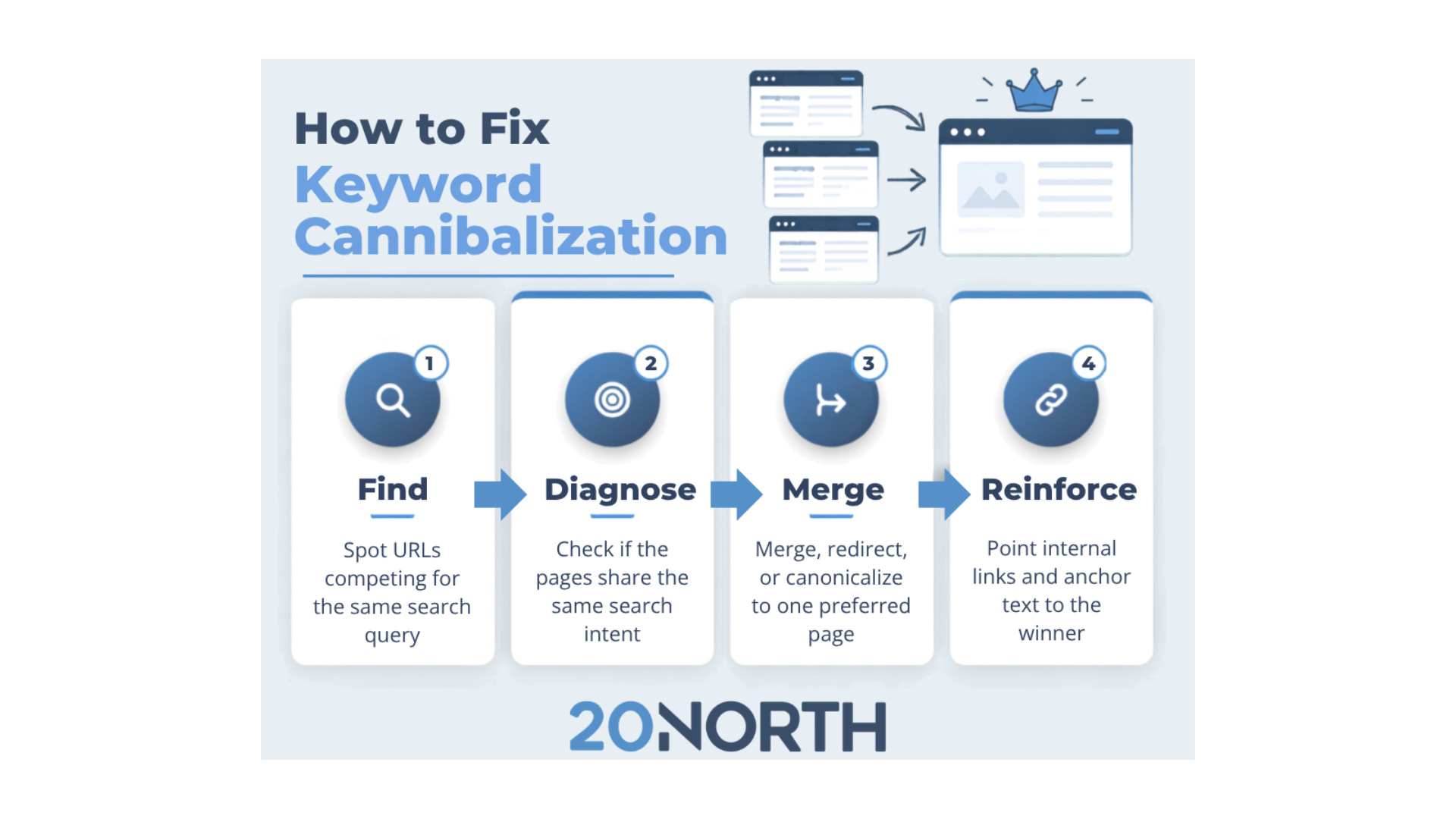
Canonical tags work alongside other fixes for overlapping content. If two separate pages target the same term and intent, you may have a deeper problem than duplication, which our walkthrough on how to fix keyword cannibalization covers in detail. Strong SEO treats canonicalization as one layer of a healthy site, not a one-time patch.
When to Use a Canonical Tag
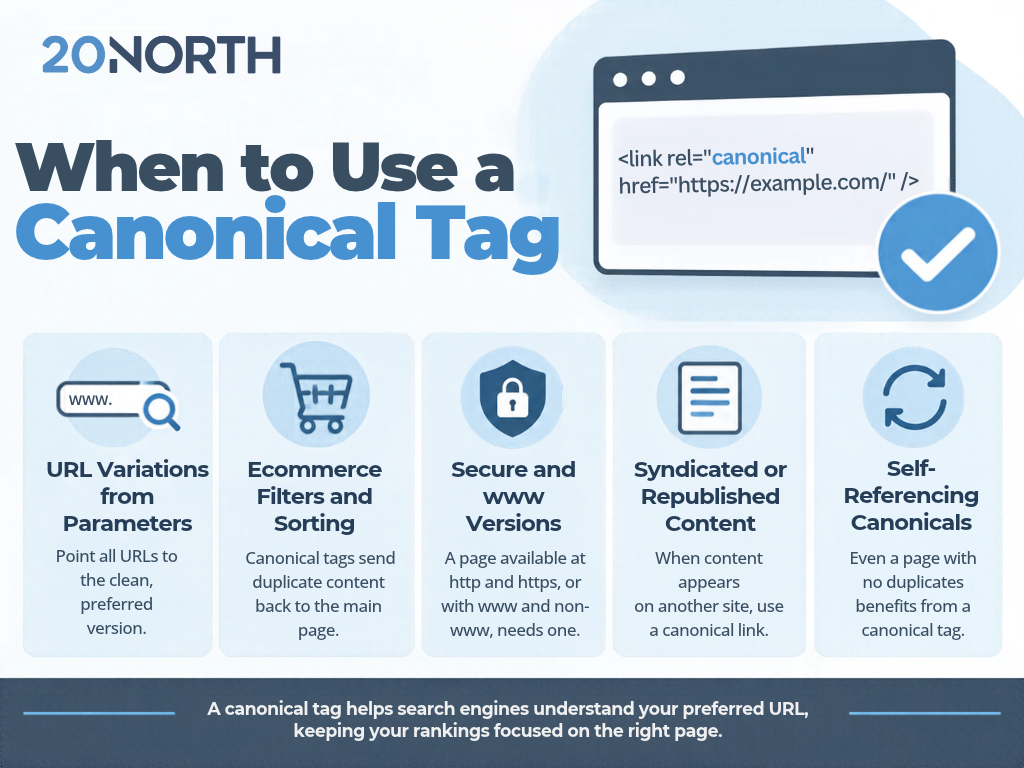
Not every page needs a canonical tag pointing elsewhere, but several common situations call for one. Reach for a canonical link in these cases:
URL variations from parameters: Tracking codes, session IDs, and sort options each create a different URL for the same content. Point every variation to the clean, preferred canonical URL.
Ecommerce filters and sorting: An ecommerce site often generates many similar pages when shoppers filter or reorder a collection. Canonical tags send that duplicate content back to the main page.
Secure and www versions: A page available at http and https, or at www and non-www, has duplicate versions that need one canonical URL. Google already prefers the HTTPS version, and a canonical tag reinforces it.
Syndicated or republished content: When a blog post appears on another site or in more than one place, a canonical link to the original version credits the right page.
Self-referencing canonicals: Even a page with no duplicates benefits from a canonical tag that points to itself, a best practice that removes any doubt about the preferred version.
How to Add a Canonical Tag
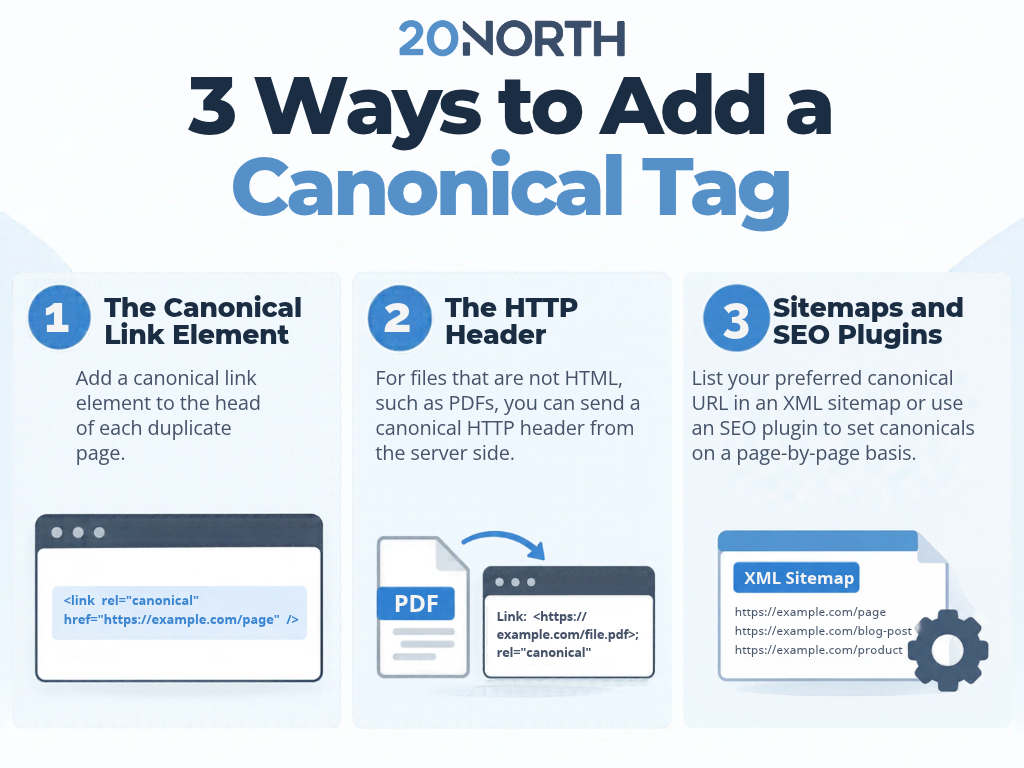
There are three main ways to specify a canonical URL, and Google’s documentation on consolidating duplicate URLs treats them as signals you can combine for a stronger result.
The Canonical Link Element
The most common method adds the canonical link element to the head of each duplicate page. The tag names the preferred canonical URL, and the same self-referencing canonical belongs on the canonical page itself. Always use absolute URLs here. Relative paths are supported but can cause problems, so the full address is the safer choice.
The HTTP Header
For files that are not HTML, such as PDFs, you can send a canonical HTTP header from the server side. This delivers the same canonicalization signal without adding to the page itself, which makes it a clean option for documents and large libraries.
Sitemaps and SEO Plugins
Listing your preferred canonical URL in an XML sitemap is a lighter signal that helps Google sort duplicate versions. If you run a CMS like WordPress, an SEO plugin, like Yoast SEO or All-In-One SEO, can set the canonical link element for you on a page-by-page basis without touching code. Keep your methods consistent, since pointing two different techniques at two different URLs sends a mixed message.
Common Canonical Tag Mistakes to Avoid
A canonical tag only helps when it is set correctly. These are the common mistakes that quietly undo the benefit:
Pointing to the wrong URL: Sending the canonical link from page A to an unrelated page B tells Google to ignore the page you actually want indexed.
Multiple conflicting canonicals: More than one canonical link element on a page, or a sitemap and a tag that name a different version, forces Google to guess.
Canonicalizing to a redirected or noindex page: The target of your canonical URL should return a normal, indexable page, not a redirect or a blocked one.
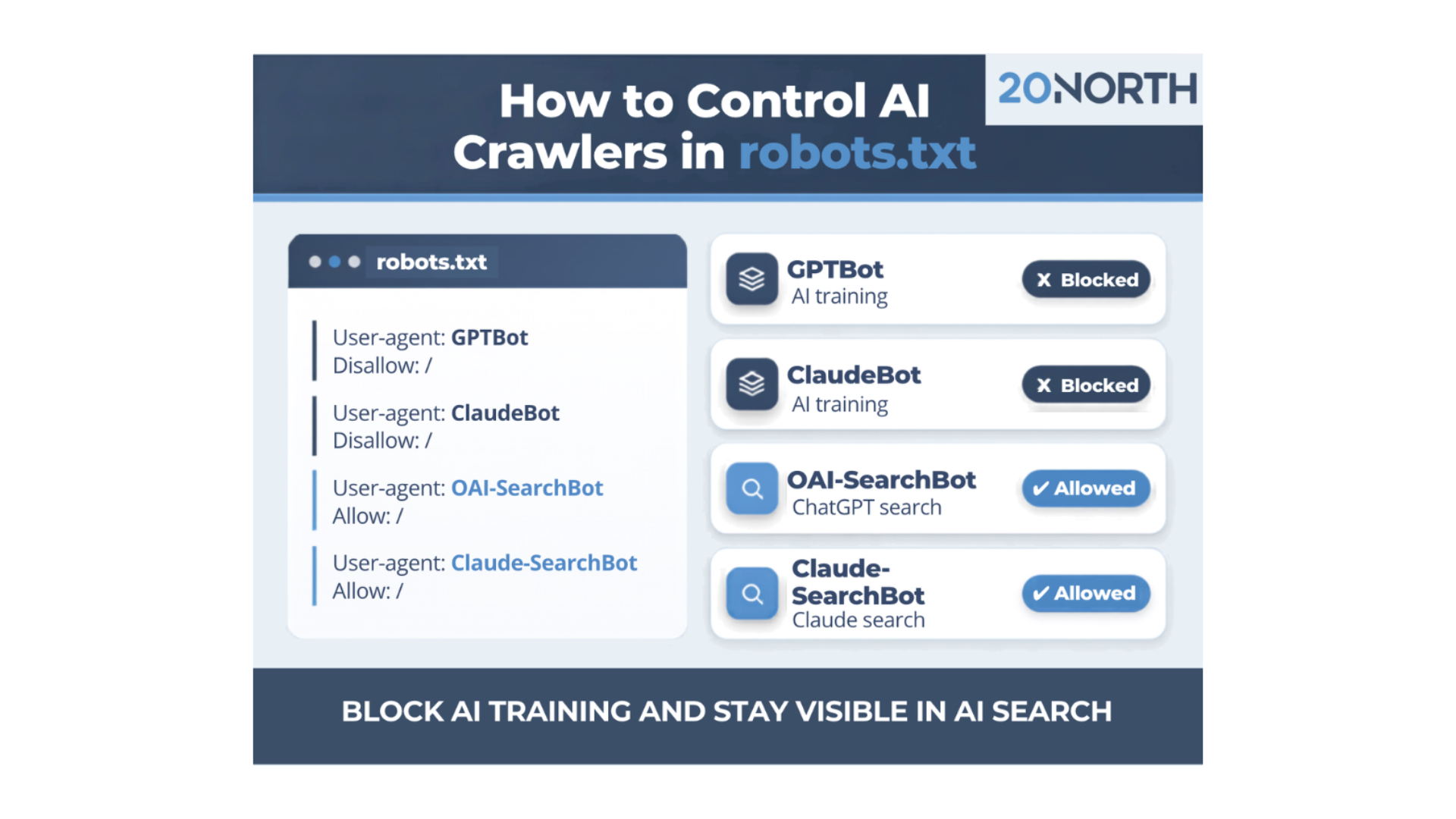
Using robots.txt for canonicalization: Blocking a duplicate page in robots.txt does not consolidate it, and Google may still index the URL without its content.
Mismatched hreflang tags: On multilingual sites, your hreflang tags and canonical tags need to agree, each pointing to the right version for its language.
How to Check Canonical Tags in Google Search Console
After you set your tags, confirm that Google is reading them as intended. Google Search Console shows the canonical you declared next to the canonical Google actually selected for each URL in its page indexing data. When the two do not match, that gap is your signal to review the page. Checking canonical tags on a regular schedule catches new duplicate content issues before they affect your search engine rankings, which is one of the technical issues a routine SEO audit is built to surface.
Get Your Canonical Tags Right With 20North
Canonical tags are a small part of your code with a large effect on how search engines read your site. Set them on your duplicate versions, point them at the preferred canonical URL, and keep your methods consistent, and Google will consolidate your ranking signals onto the pages you care about.
At 20North, we help growing businesses fix the technical issues that hold their content back. Our team covers SEO, web development, paid advertising, and email marketing. Contact us for a free audit that shows where duplicate pages are costing you rankings.